
Note
Go to the end to download the full example code.
Open/save a vector#
This example demonstrates opening a vector with geoutils.open_vector() and saving it with the vct accessor.
import geoutils as gu
We open an example vector.
filename_vect = gu.examples.get_path("everest_rgi_outlines")
vect = gu.open_vector(filename_vect)
vect
A vector opened through the accessor is a geopandas.GeoDataFrame.
All native attributes are inherited from Shapely and GeoPandas. See also The georeferenced vector.
Note
GeoUtils methods can also be used on an existing geopandas.GeoDataFrame, see From/to GeoPandas.
We can print more info on the vector.
Filename:           None
Coordinate system:  ['WGS 84']
Extent:             [86.70393205700003, 27.847778695000045, 87.11409458600008, 28.14549759700003]
Number of features: 86
Attributes:         ['RGIId', 'GLIMSId', 'BgnDate', 'EndDate', 'CenLon', 'CenLat', 'O1Region', 'O2Region', 'Area', 'Zmin', 'Zmax', 'Zmed', 'Slope', 'Aspect', 'Lmax', 'Status', 'Connect', 'Form', 'TermType', 'Surging', 'Linkages', 'Name', 'geometry']
Let’s plot by vector area
vect.vct.plot(column="Area", cbar_title="Area (km²)")
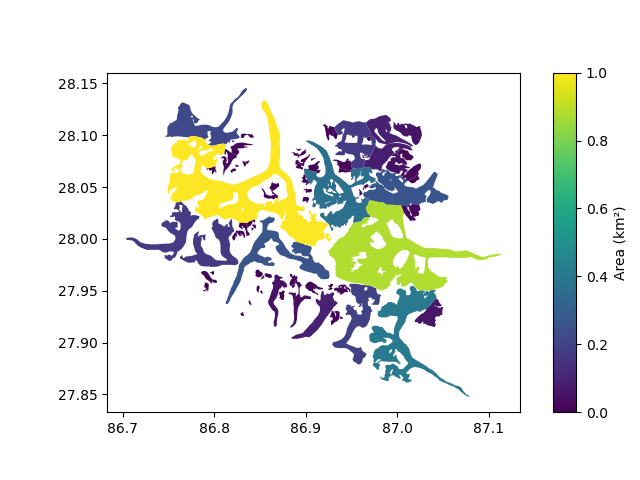
Finally, a vector is saved using to_file().
vect.vct.to_file("myvector.gpkg")
Total running time of the script: (0 minutes 0.406 seconds)