
Note
Go to the end to download the full example code.
Rasterize a vector#
This example demonstrates the rasterizing of a vector using rasterize().
We open a raster and vector.
import geoutils as gu

filename_rast = gu.examples.get_path("everest_landsat_b4")
filename_vect = gu.examples.get_path("everest_rgi_outlines")
rast = gu.open_raster(filename_rast)
vect = gu.open_vector(filename_vect)
Let’s plot the raster and vector.
rast.rst.plot(cmap="Purples")
vect.vct.plot(ref=rast, fc="none", ec="k", lw=2)
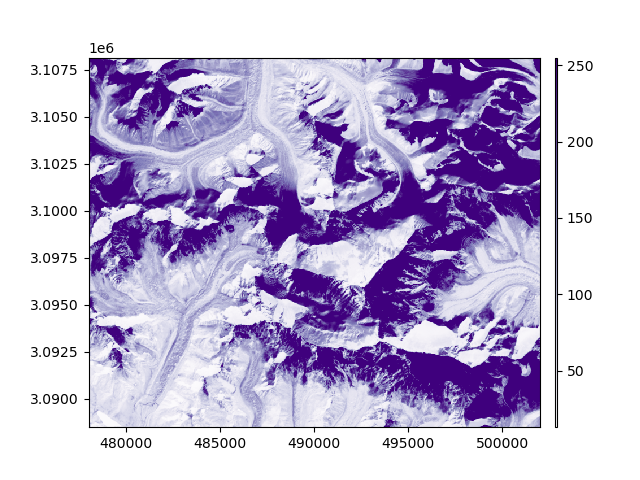
First option: using the raster as a reference to match, we rasterize the vector in any projection and georeferenced grid. We simply have to pass the
raster as single argument to rasterize(). See Match-reference operations for more details.
vect_rasterized = vect.vct.rasterize(rast)
vect_rasterized.rst.plot(ax="new", cmap="viridis")
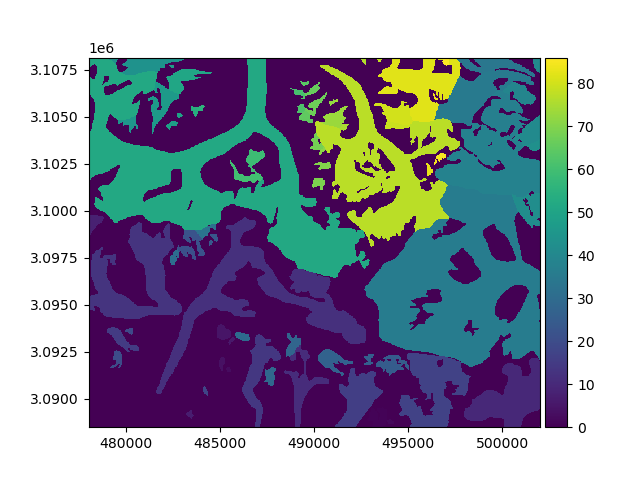
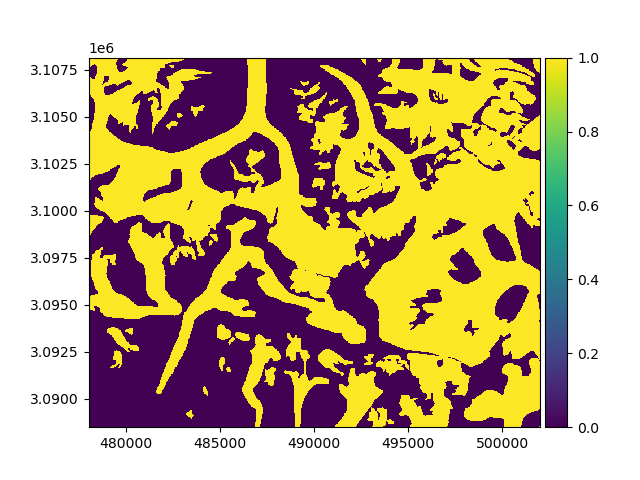
By default, rasterize() will burn the index of the vector’s features in their geometry. We can specify the in_value to burn a
single value, or any iterable with the same length as there are features in the vector. An out_value can be passed to burn
outside the geometries.
vect_rasterized = vect.vct.rasterize(rast, in_value=1)
vect_rasterized.rst.plot(ax="new")
Note
If the rasterized in_value is fixed to 1 and out_value to 0 (default), then rasterize() is creating a boolean mask.
This is equivalent to using create_mask(), and will return a boolean xarray.DataArray.
Second option: we can pass any georeferencing parameter to rasterize(). Any unpassed attribute will be deduced from the
vector itself, except from the raster shape that will default to 1000 x 1000.
# vect_rasterized = vect.vct.rasterize(res=500)
# vect_rasterized.rst.plot()
Important
The raster shape or resolution are the only unknown arguments to rasterize a vector, one or the other can be passed.
Total running time of the script: (0 minutes 2.332 seconds)