
Note
Go to the end to download the full example code.
Open/save a point cloud#
This example demonstrates opening a point cloud with geoutils.open_pointcloud() and saving it with the pc accessor.
import geoutils as gu
We open an example vector.
filename_pc = gu.examples.get_path("coromandel_lidar")
pc = gu.open_pointcloud(filename_pc, data_name="Z", as_object_type="geodataframe")
pc
A point cloud is a geopandas.GeoDataFrame, with a main attribute data_name pointing to the main data column
through its pc accessor.
All other attributes are inherited from Shapely and GeoPandas. See also The georeferenced vector.
Note
GeoUtils point cloud methods can also be used on an existing geopandas.GeoDataFrame.
We can print more info on the point cloud.
Filename:           None
Coordinate system:  ['NZGD2000 / New Zealand Transverse Mercator 2000 + NZVD2016 height']
Extent:             [1838792.524, 5887910.586, 1838937.061, 5888036.092]
Number of features: 584348
Attributes:         ['Z', 'geometry']
Let’s plot the point cloud main column
pc.pc.plot(cbar_title="Elevation (m)")
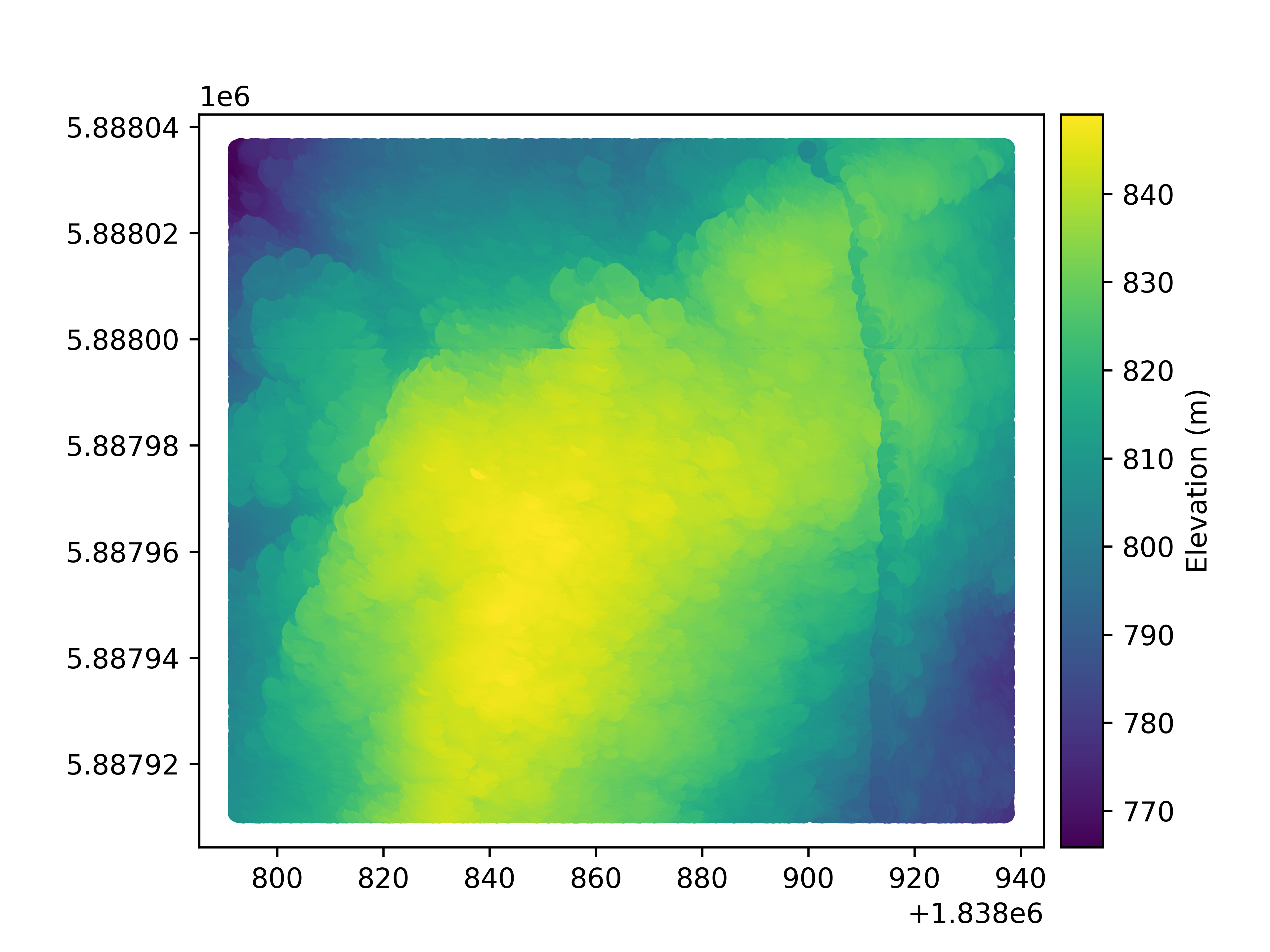
Finally, a point cloud is saved using to_file().
pc.pc.to_file("mypc.gpkg")
Total running time of the script: (0 minutes 39.579 seconds)